Your business, beautifully organized.
Notion templates designed for creative solopreneurs who want more clarity, less chaos, and a workspace that actually looks good.
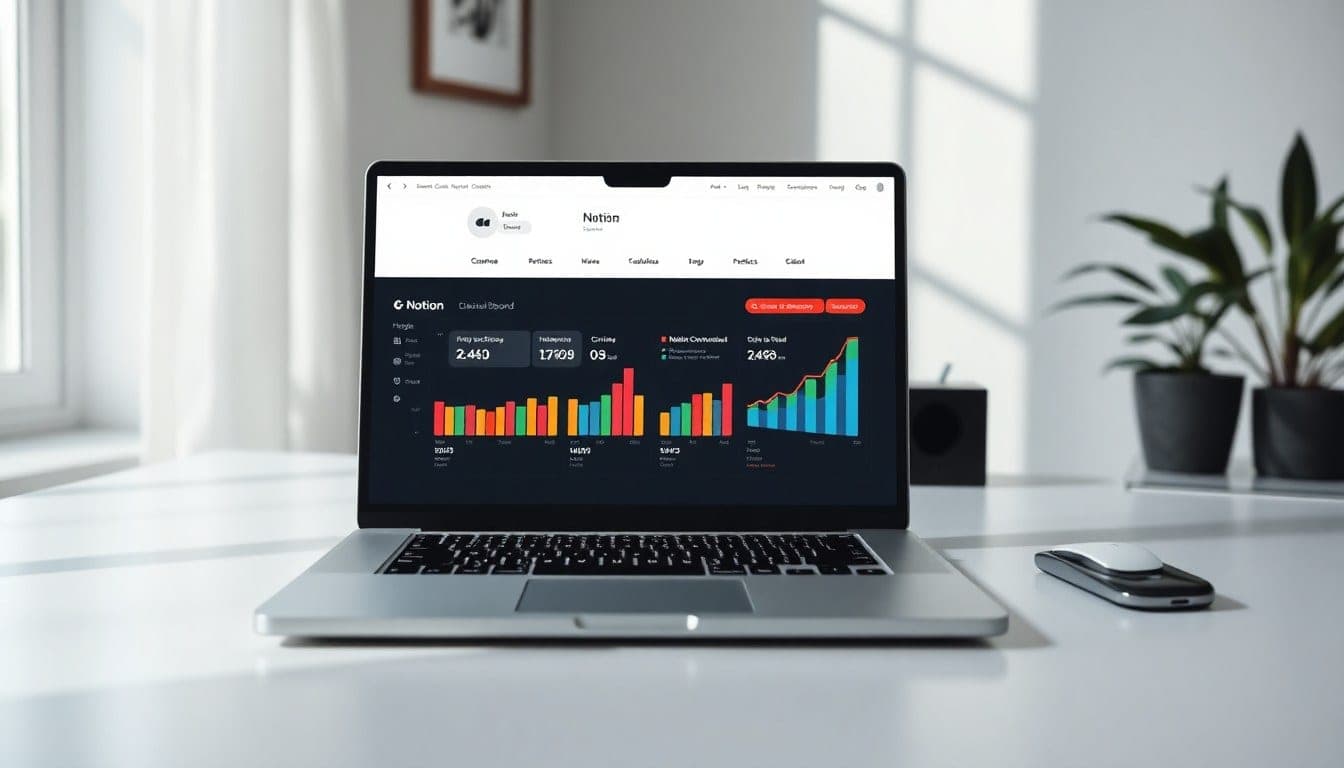
Imprints in Stock
8 titles · pressed & bound

Client Onboarding Notion Dashboard
Instantly access a beautiful Notion dashboard that automates your client intake process. Includes proposal templates, project kickoff checklists, and a contract tracker — so you can say goodbye to scattered emails and hello to polished, professional onboarding.
Read the spec →
Content Planner Template Pack
Get 5 Notion templates to plan, batch, and schedule your content in half the time. Includes a monthly calendar, idea bank, caption library, and analytics tracker — built for creators who want to stay consistent without the overwhelm.
Read the spec →
Finance Tracker for Freelancers
A simple, elegant Notion dashboard to track income, expenses, invoices, and tax-ready reports. Set up in minutes and instantly see your profit margins — no spreadsheets required.
Read the spec →
Project Management Notion System
A complete workspace to manage multiple projects with task lists, timelines, and client portals. Includes automated status updates and a master dashboard — perfect for solopreneurs juggling several clients.
Read the spec →
Goal Setting & Vision Board Template
Set intentions and track progress with a beautiful Notion dashboard that combines vision boards, quarterly goals, and habit trackers. Instantly access a space that keeps your dreams organized and actionable.
Read the spec →
Meeting Notes & Agenda Template
Never lose track of action items again. This Notion template helps you take structured meeting notes, set agendas, and follow up automatically. Perfect for client calls or team syncs.
Read the spec →
Social Media Bundle for Creators
Get 3 Notion templates to manage your entire social presence: a content calendar, analytics tracker, and hashtag library. Instantly organize your posting schedule and repurpose content like a pro.
Read the spec →
Personal Dashboard All-in-One
Your life in one place: tasks, habits, journaling, meal planning, and more. This Notion dashboard is designed for solopreneurs who want to keep their personal and professional lives harmonious. Instant access.
Read the spec →Made by Jen — templates for intentional work
I’m Jen, a designer and solopreneur who got tired of wrestling with clunky systems that felt more like chores than tools. So I started building my own — simple, beautiful Notion setups that actually made me want to open them. Now I share them with you.
Every template is made for the creative business owner: someone who values aesthetics as much as function, and who knows that the right system doesn’t just save time — it frees up mental space to do the work that matters.
Queries from Readers
№ 01How do I get my template after purchase?+
Immediately after payment, you’ll receive a link to duplicate the template into your own Notion workspace. No waiting, no shipping — just instant access.
№ 02Can I get a refund if it’s not right for me?+
Because digital products can’t be returned, all sales are final. But I stand behind my work — if something isn’t working, reach out and I’ll help you get set up or find a better fit.
№ 03What file format do I receive?+
You’ll get a shareable Notion link. Just click ‘Duplicate’ in the top-right corner of the template page, and it’s yours to customize.
№ 04Can I use this for client work or resell it?+
Each license is for personal or internal business use only. You may not resell, redistribute, or offer the template as a freebie. If you need a commercial license, just ask.
№ 05Do you offer support or updates?+
Yes! You get lifetime access to the template and any future updates. I also offer email support if you have questions or want help customizing.
№ 06Will this work with my free Notion account?+
Absolutely. All templates are designed to work with the free plan. Some advanced features (like databases) may require a paid Notion plan, but the core functionality is fully accessible on free.
What the Readers Wrote
I spent hours trying to build a content calendar in Notion. Jen’s template saved me a full weekend — and it actually looks beautiful. My whole workflow feels lighter now.
The client management template was a game-changer. I onboarded three new clients last month without the usual panic. Everything is in one place, and my follow-ups have never been faster.
I’d been using a messy Google Sheets system for months. Switched to Jen’s project dashboard and instantly felt more in control. My weekly planning went from 2 hours to 30 minutes.
I was skeptical about paid templates, but this one is worth every penny. The aesthetics alone make me want to open it — and the structure helped me finally stick to a routine.
Latest writing
Notes, releases, and behind-the-scenes from the studio.
How to Set Up a Weekly Review in Notion in 10 Minutes
A simple weekly review routine can transform your productivity. Here's how to build one in Notion — no fuss, just results.
Read post →How to Build a Weekly Review Routine in Notion (That You’ll Actually Stick To)
A simple, repeatable system to reflect on your week and plan the next one — without overwhelm.
Read post →Behind the Scenes: Designing the Content Planner Template
Why I chose a calendar view over a database, and how I made it work for messy creative brains.
Read post →Why Most Project Management Tools Overwhelm Creatives (And What to Do About It)
The problem isn’t you — it’s the tool. Here’s how to choose a system that actually supports your workflow.
Read post →Announcing the New Client Dashboard Template
Track projects, notes, and invoices in one place — no more hunting through emails.
Read post →3 Simple Notion Habits That Saved Me Five Hours a Week
Small tweaks to how you use Notion that add up to real time saved — no new templates required.
Read post →